Tracking and your doctor
Her Good Days: a free app for night sweats and sleep
Her Good Days is a free app that keeps a dated log of perimenopause and menopause symptoms, sleep, periods and medication, shows you your week, and turns it into a PDF report for your doctor. Every feature costs nothing, and the iPhone and Android store listings are coming soon.
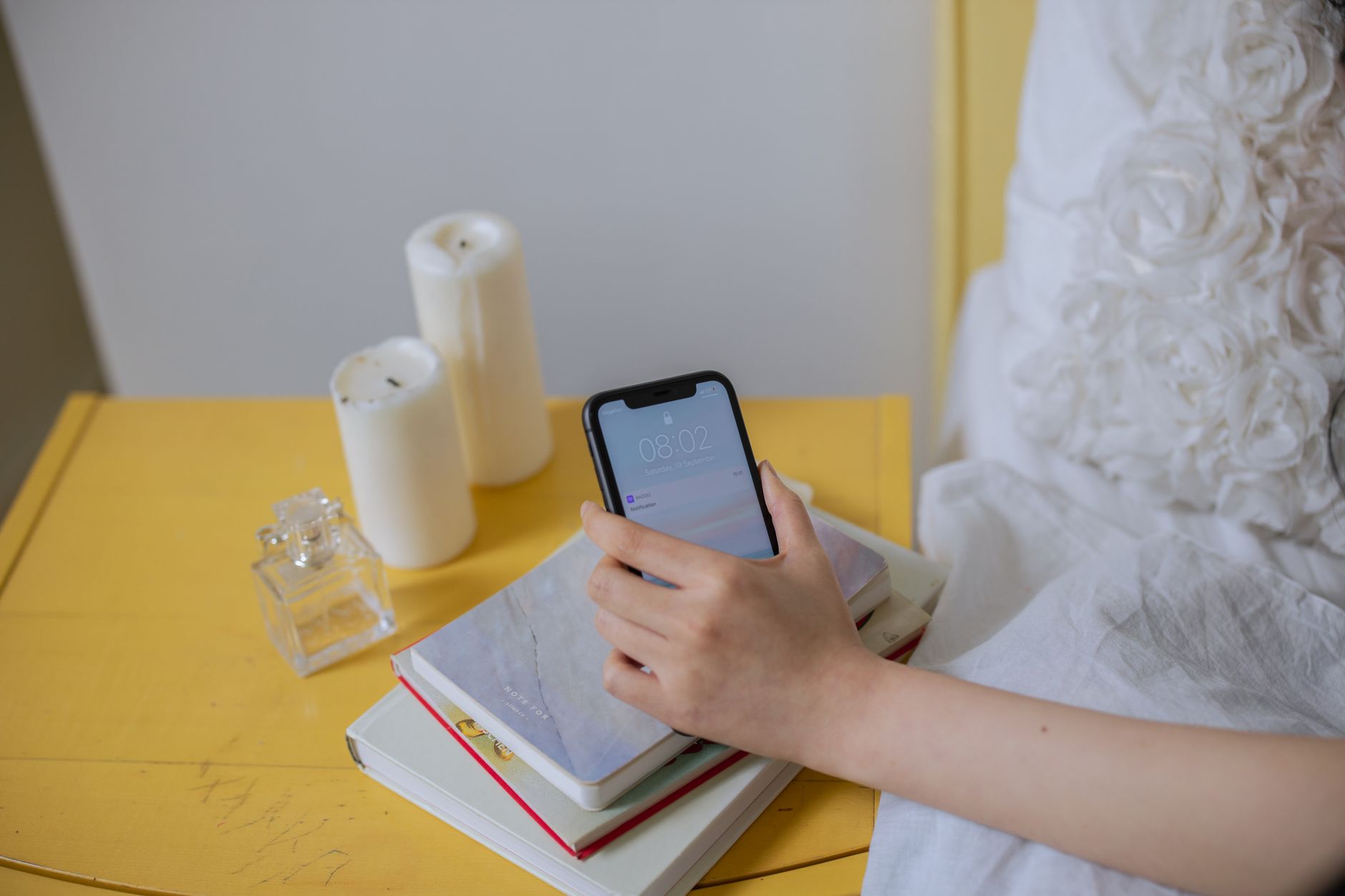
Most of what this site publishes ends with the same suggestion: write your nights down for a couple of weeks before you decide anything, or before you see a doctor. Some readers do that on our printable night diary. Others would rather tap a phone that is already on the bedside table at 3am. This page describes what Her Good Days records, what it shows you back, and what it does not do, using the app's own published feature pages.
A hot flash tracker you can use half asleep
Each entry is a symptom, a time and a rating of mild, moderate or severe. You can log hot flashes, night sweats, brain fog, joint aches and other symptoms, each with a single tap. For someone in perimenopause, the "Hot flash" and "Brain fog" rows sit at the top of the Log menu. At night and first thing in the morning the "Night sweats" row moves up, so the entry you are most likely to want after waking damp is right under your thumb.
The three-step rating is close to how researchers grade flashes in diary studies. In a 2016 study in PLoS One, mild meant a feeling of heat without sweating, moderate meant heat with sweating, and severe meant heat with sweating that stopped what you were doing. If you use the same meanings each night, a fortnight of entries can be compared fairly, and a doctor reading them knows what each word stands for.
A night sweats tracker app with a sleep log
The sleep log takes your bedtime, the time you woke, how many times you woke in the night and how rested you felt. A chart shows your last 14 nights. The part that matters most for readers here is a split the app makes by itself: how you slept on nights when you logged night sweats, set against the nights when you did not.
Fourteen nights is the same stretch the American Academy of Sleep Medicine suggests for a sleep diary, filled in every day, with bedtime, night wakings and wake time as the core. Two weeks of sleep and sweats logged together help with a simple question: are the bad nights the sweaty ones, or are you waking just as often without them? Our article on whether hot flashes wake you or waking brings them looks at what the sleep labs found.
Your week, and the hours your flashes come
Once a week, "Your week is ready" appears on the Today screen. The Insights tab puts this week's hot flashes against last week's and shows the hours of the day they tend to come. A monthly view does the same over a longer stretch.
There is also a before-and-after view. You pick one symptom and a day when something changed, a new medicine for example, and it shows how often you logged that symptom in the weeks before and after. It gives the counts and stops there. That restraint is right for a record: the National Institute on Aging suggests noting what seems to trigger your flashes and how much they bother you, and the decision about what the pattern means belongs to you and whoever treats you. If you want to test the evening suspects on purpose, the two-week hot flash trigger test sets out a method.
The doctor report: a PDF for the dates you pick
For an appointment, the app builds a PDF covering whatever dates you choose. It lists your period dates and cycle lengths, each symptom with how often it came and how strong it was, your sleep, your medications, your notes, and a list of questions for the doctor that you can add to whenever one occurs to you. Every symptom is marked as reported by you, and the report adds no reading of what the entries mean. You can print it, email it or share it from the phone.
That is the format most GPs can use quickly in a short appointment: dates and counts on a page, with your questions written down so they do not slip away once you are in the room. Our question list builder for night sweats and sleep can help you decide what to ask. Some things should not wait for a fortnight of logs. The NHS page on night sweats says to see a GP if they happen regularly and wake or worry you, or if they come with a fever, a cough, diarrhoea or weight loss you cannot explain, and our night sweats warning signs checker goes through them.
Periods, medication and the rest of the app
The night is only part of what the app keeps. The rest, briefly:
- Periods as they change. Period dates and flow, the length of each cycle, and any gap of 60 days or more. After menopause the period tracker steps aside.
- Medication, supplements and HRT. The dose, kind and schedule, a tick for each one taken or skipped, a history of every change, and reminders whose lock-screen text never says what you take. The app records these and gives no advice about them.
- Programs. Sessions of 5 to 20 minutes in strength basics, gentle yoga, tai chi for balance, walking, breathing and sleep stories, led by the app's two trainers, Sarah Bennett and Elena Ruiz. There are easier, harder, seated and supported versions, with captions, an audio-only option and downloads for offline use.
- Weight and food. A weekly weight average that evens out day-to-day swings, waist and hip measurements, and a food diary with calories, protein and fiber, a barcode scanner, recipes and a meal plan.
It also covers earlier stages of life, from age 13 on, with perimenopause, menopause and the years after built in, so the same record can carry on as your periods change and stop.
A free menopause app: cost, privacy and where to get it
Her Good Days is free. Every feature is included, with no paid plan, no subscription and no trial. It is built for iPhone and Android, and the App Store and Google Play listings are coming soon, so for now the place to follow it is the Her Good Days download page.
You can begin in Private mode without creating an account. Logs are kept in an encrypted database on your phone, and you can download or delete everything from inside the app. Health logs are personal, and being able to start without handing over an email address will matter to some readers more than any feature above.
The app is not a medical device. It does not diagnose, treat, cure or prevent any condition, and it says nothing about what your symptoms mean. Its job is to keep a dated record for you and your doctor.
My take: app or paper diary?
I would start with the sleep log and the "Night sweats" row only, every morning for two weeks, and leave the food diary and programs for later. Two entries a morning are easy to keep up when you are tired, and they are the two this site's readers usually need first. Paper is fine if you will fill it in each morning, and the night diary has columns for everything above that concerns the night. I would reach for the app if your phone is already within arm's length when you wake, if you tend to forget by breakfast how many times you woke, or if you want the sweaty and dry nights split for you without adding up columns. I would judge the record by one test: can you read the sweaty nights against the dry ones at a glance? Then bring the printout or the PDF to the appointment rather than trying to remember. The tracking and your doctor section has the rest of our pages on keeping a record.